FREE • SELF-PACED • BUILT FOR LIGHTBURN
Fiber laser + LightBurn,
demystified.
A practical boot camp to help you use your fiber laser with confidence.
Learn the software. Work through nine projects. Start making.
No purchase. No signup. Learn at your own pace.
Your laser. LightBurn.
A clear place to start.
You’ve got the machine. Now it’s time to get comfortable using it. Fiber Laser Ignite walks you through the LightBurn tools and hands-on techniques you need to start engraving.
We’ll cover just enough fiber laser basics to give you context, then spend our time where it counts: working in LightBurn and making real projects. You’ll learn how to prepare artwork, build templates, test settings, and improve your results as you go.
Project showcase
A look at the actual project designs we’ll be creating in this course.
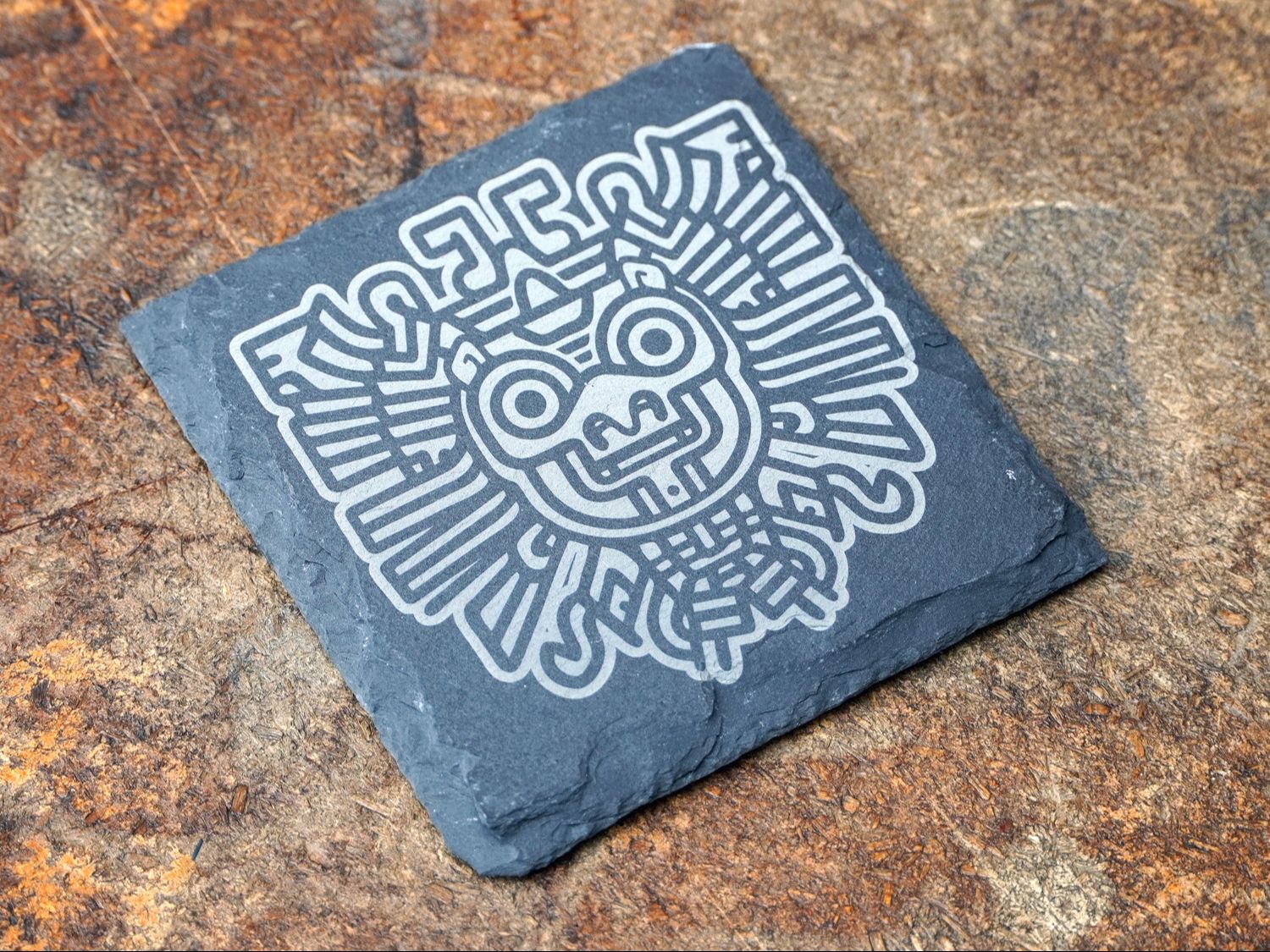
Slate coaster
Measure, frame, and invert your artwork.
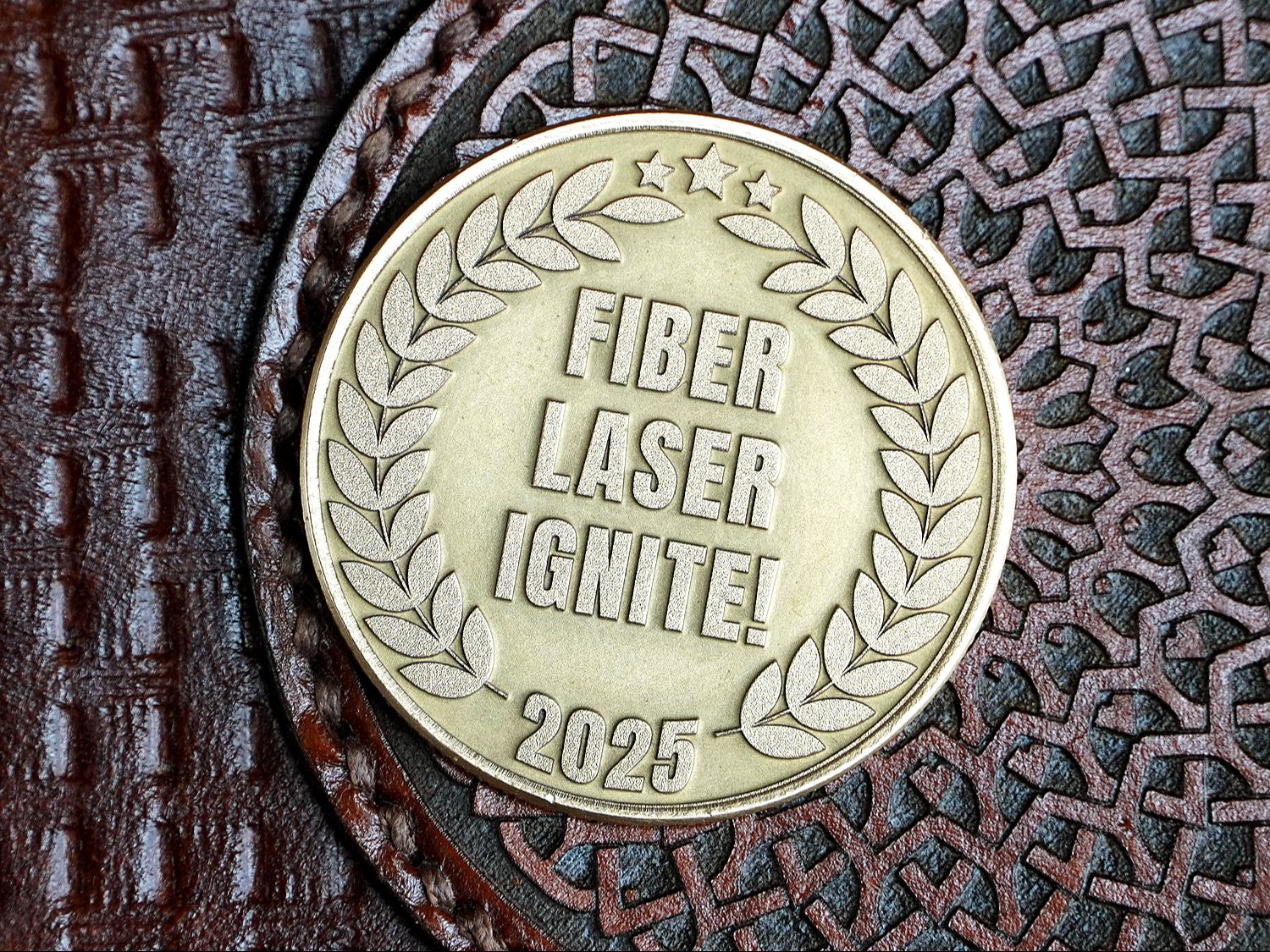
Brass coin
Build depth with engraving and cleaning passes.
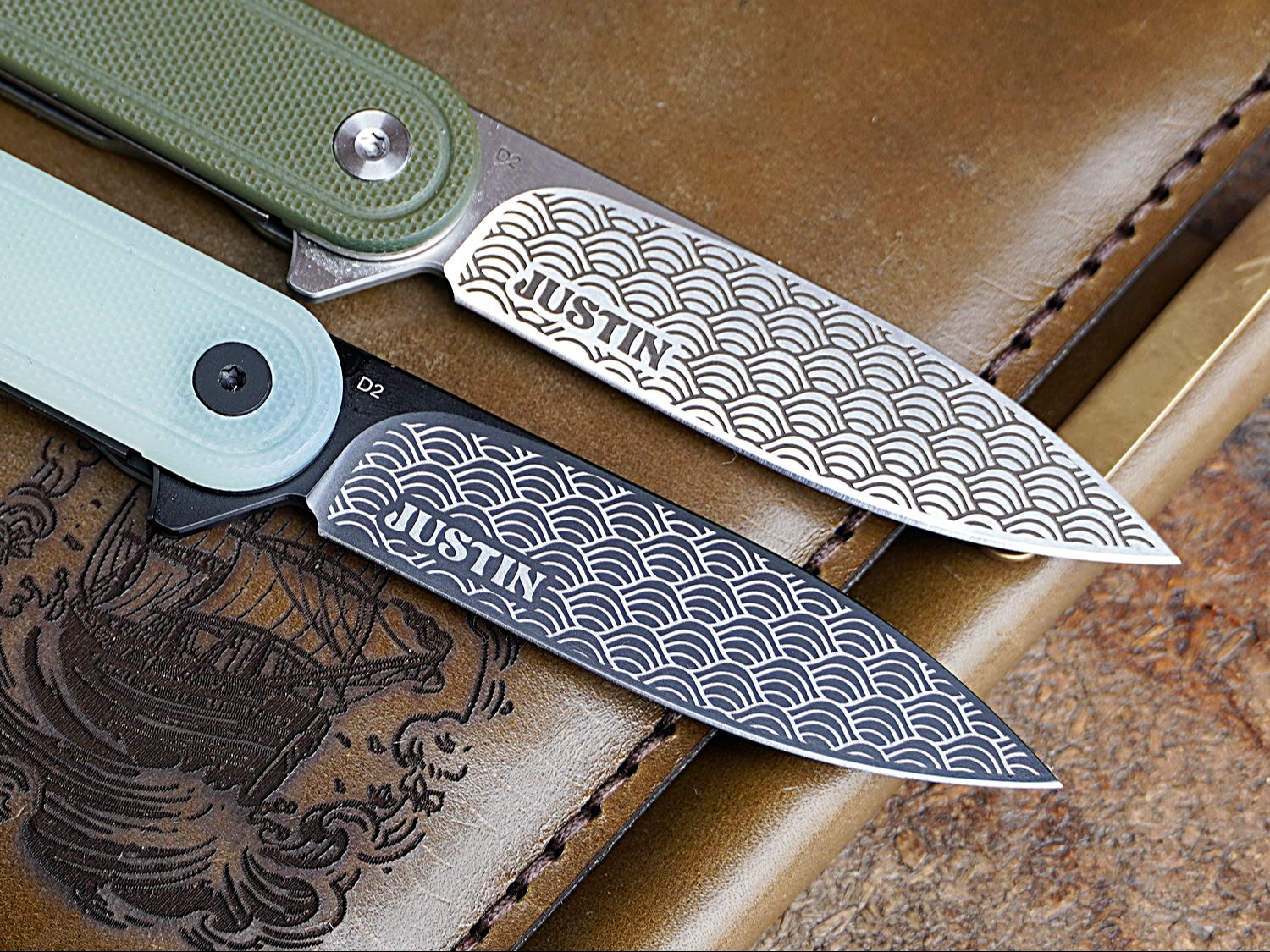
Pocket knives
Create a template for an irregular surface.
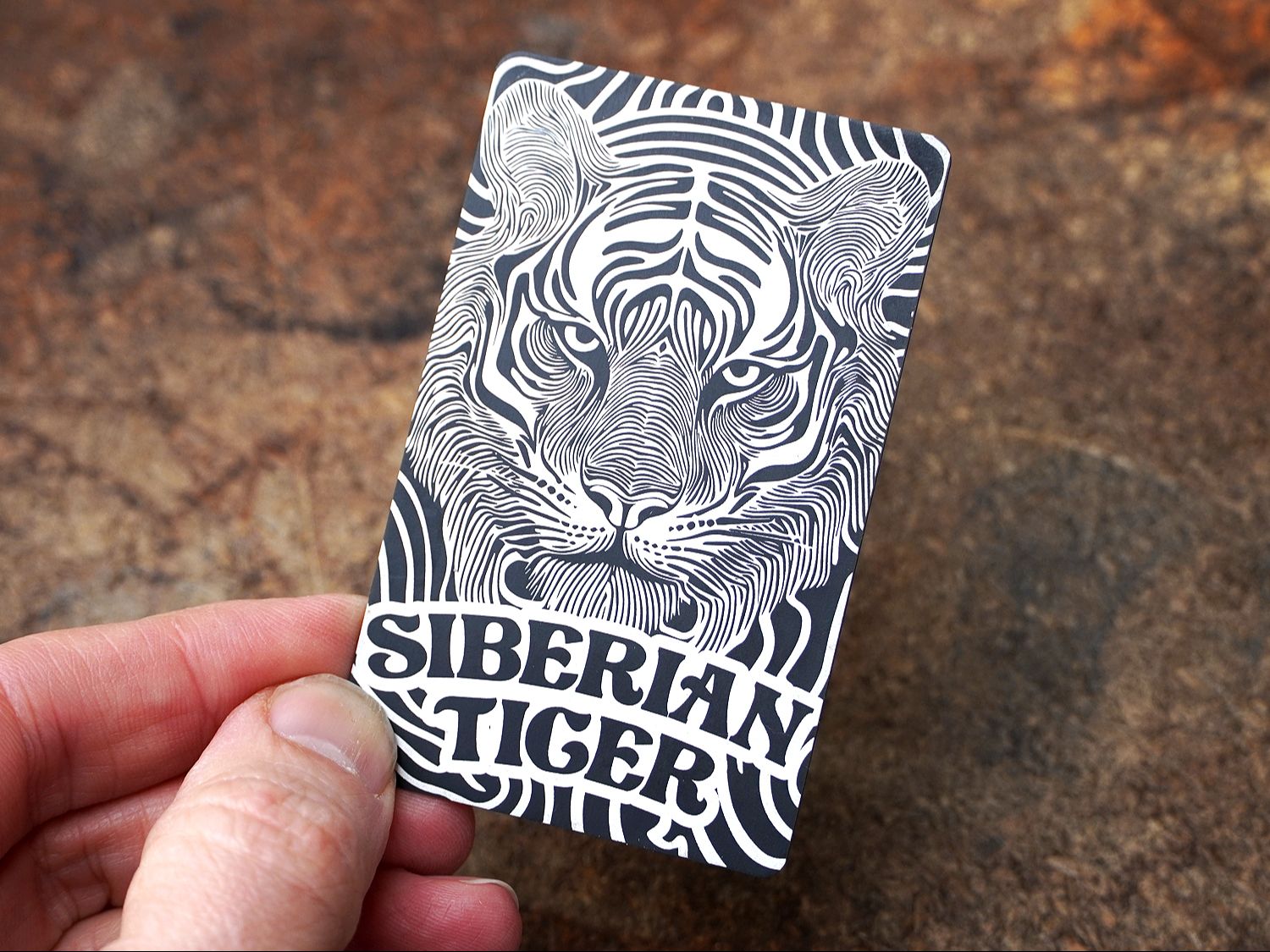
Aluminum tiger card
Crop patterns and personalize your design.
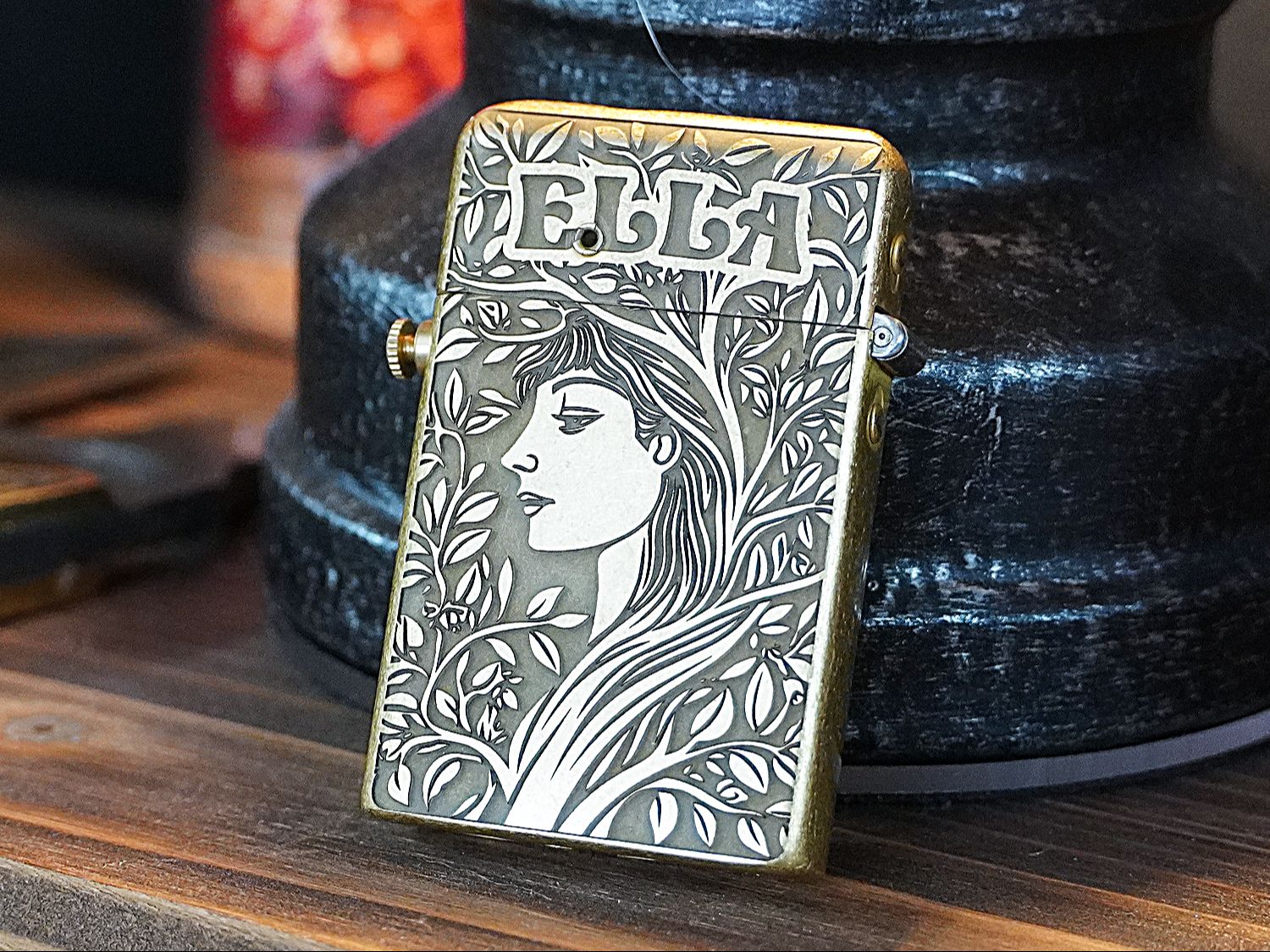
Brass lighter
Fit artwork to a finished object.
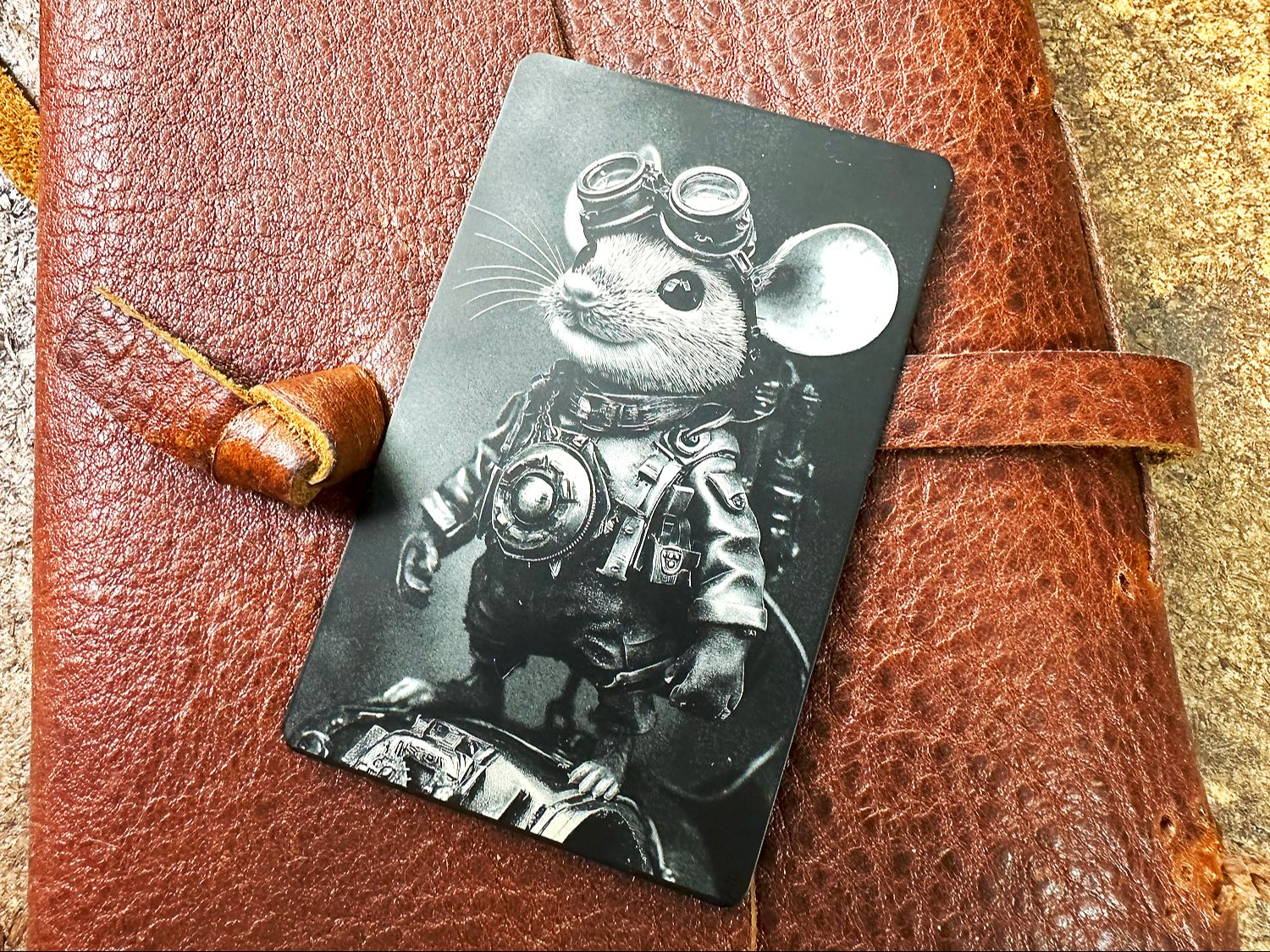
Photo engraving
Test image settings without wasting blanks.
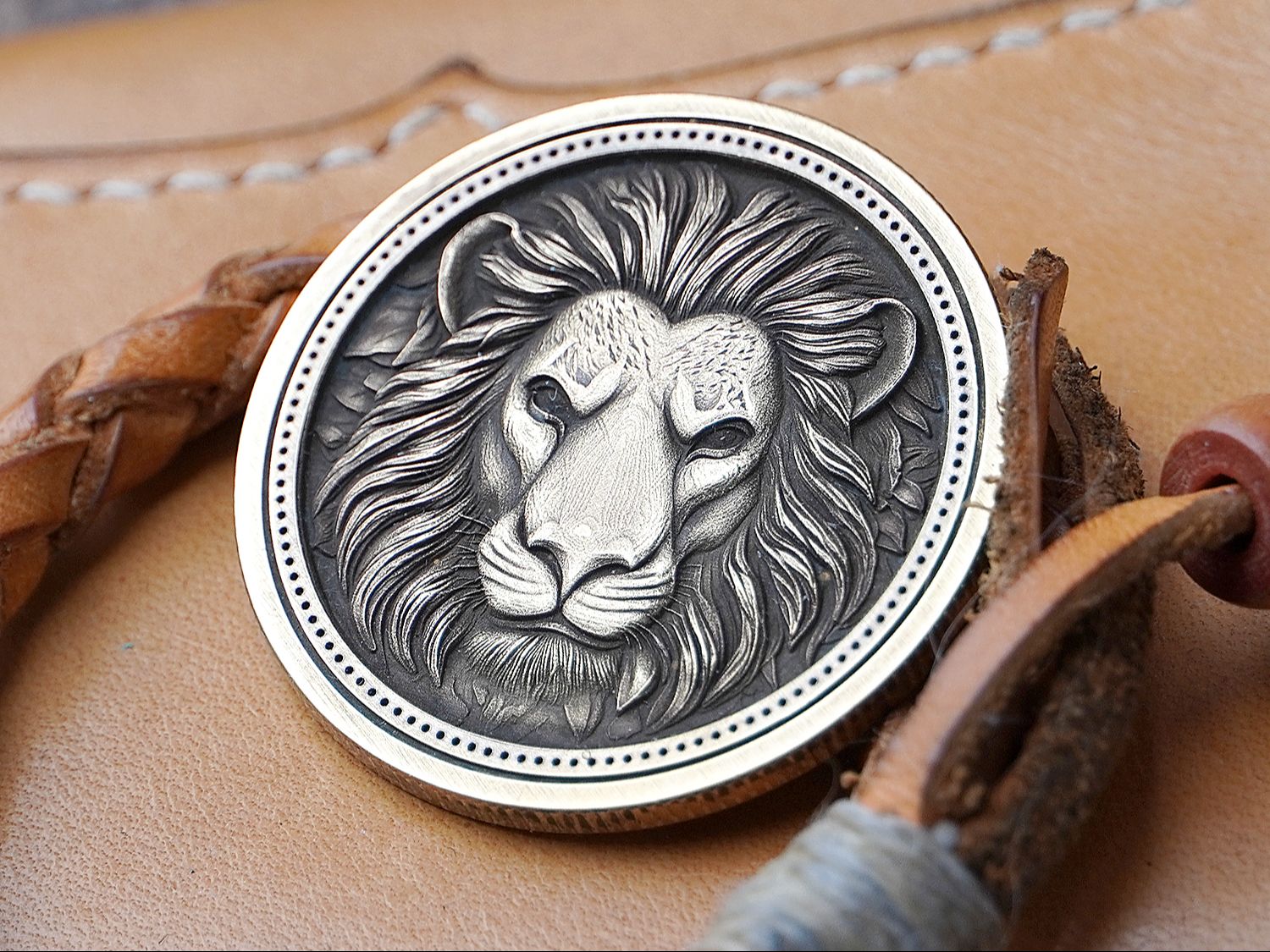
3D-style brass coin
Turn a depth map into a relief engraving.
Plus basic text engraving and a dedicated knife-annealing lesson. Each project builds on what you’ve already learned.
EXPLORE THE PROJECT LESSONSYOUR FREE LIGHTBURN FIBER LASER BOOT CAMP
Watch the course
Start with the introduction, work through the modules, then put it all into practice.
Welcome
Course introduction
Get oriented before you begin: what the course covers, how to work through the lessons, and what to have ready in LightBurn.
For this project
Project file
Materials & supplies used
Some links are affiliate links. I may earn a commission if you purchase through them, at no extra cost to you. As an Amazon Associate I earn from qualifying purchases.
New to this? Follow the modules in order. Returning for a project? Open Module 5 to choose an individual project.
FOLLOW ALONG
Download the project files
Get all the project artwork in one download, ready to use as you work through the lessons. You can also download each file individually beneath its project video.
All project files
Includes the eight SVG and PNG artwork files for Projects 02–09. Project 01 uses text you create in LightBurn.
DOWNLOAD ALL PROJECT FILES (ZIP) ↓Unzip the download to access the individual project files.
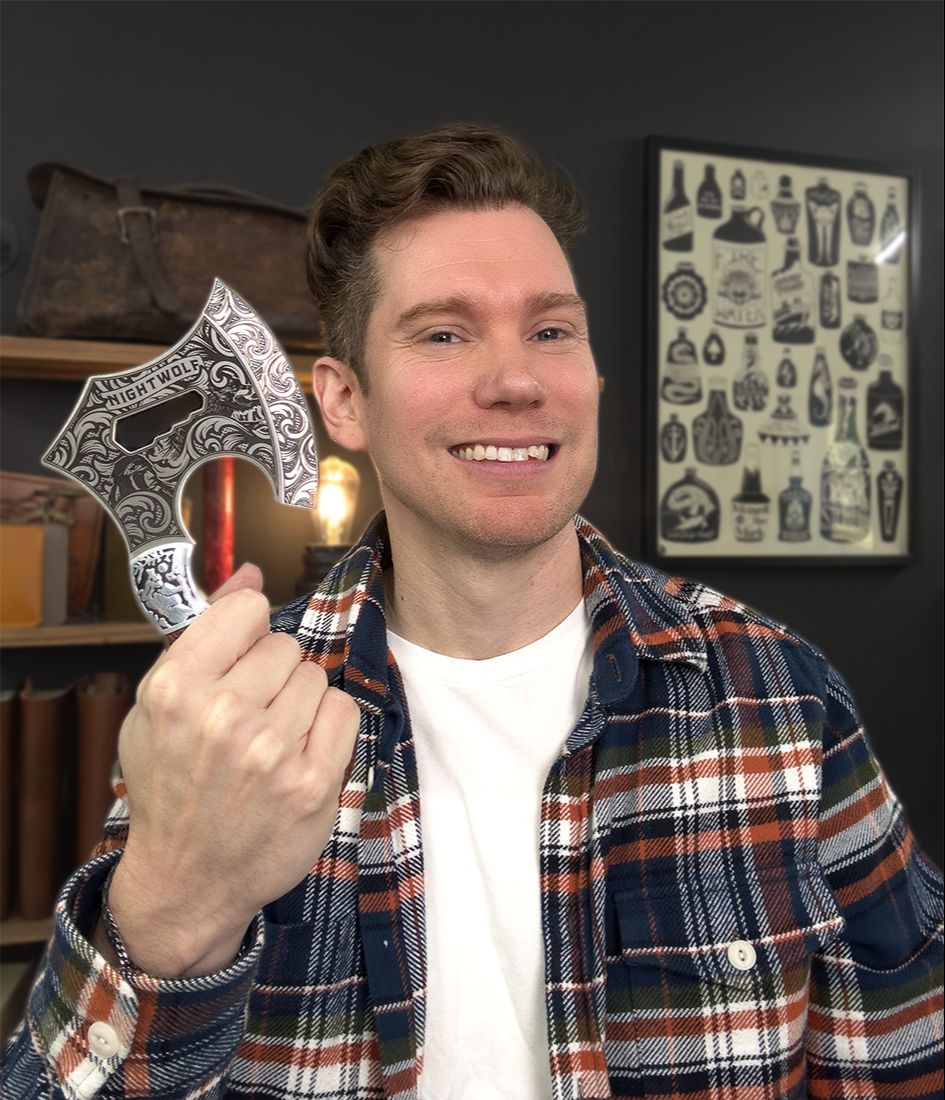
Meet your instructor
Hey, I’m Justin.
Laser engraving brings together my favorite things: design, technology, and making something with my own hands.
I created Fiber Laser Ignite to give new fiber laser owners a practical path through LightBurn. You’ll see the process, the testing, and the adjustments—not just a list of settings to copy.
This course is now free for anyone who wants to learn. It’s a self-guided resource; individual technical support and future updates aren’t included.
I also share laser engraving projects and tutorials on my Justin Laser YouTube channel, with 63,000 subscribers and over 5 million video views.
Justin Laser on YouTube ↗THE SOFTWARE I USE IN MY OWN SHOP
Try LightBurn free for 30 days.
New to LightBurn? Try it before you buy, get familiar with the tools, and follow along with the course.
I’ve been using LightBurn for about 10 years. I use it to run my fiber lasers and my laser business—and I won’t even consider buying a laser that isn’t compatible with it.
— Justin
Start with the free trial
Explore LightBurn and test it with your compatible laser before purchasing a license.
TRY LIGHTBURN FREE FOR 30 DAYS ↗Affiliate link: I may earn a commission if you purchase through my link, at no extra cost to you.
Confirm LightBurn compatibility with the manufacturer before you buy. Not every fiber laser supports it.
A few common questions
I bought the course when it was paid. Can I still log in?
Yes! I’m keeping the original Kajabi student area available for a little while longer, so you can keep working through the course there. Log in to your student library using the account you used to purchase the course.
Is the whole course really free?
Yes. You can watch the course here without purchasing it or creating an account. Your laser, software, and project materials are separate costs.
Is this suitable for a beginner?
Yes. Once your compatible laser is connected and configured in LightBurn, the course starts with basic context, introduces the software, and moves into progressively more involved projects.
Can I use a different brand or wattage?
The focus is the LightBurn workflow, rather than one particular laser brand. Your machine needs to support LightBurn, and settings will vary with your laser, lens, and material. The projects show how to test and adjust.
Does this work with xTool lasers?
This course isn’t designed for xTool lasers. We’ll be working in LightBurn throughout, rather than xTool’s own software, so the step-by-step instructions won’t match your setup. You’re still welcome to watch for project ideas and general engraving tips!
Can I watch each project separately?
Yes. All nine projects have their own lesson in Module 5, so you can work through them in order or jump straight to the one you need.
Do I need to buy the same materials?
Use matching blanks if you want to follow a project closely, or apply the techniques to suitable materials you already have. Expect to test settings for your own setup.
Does the course include support or updates?
This is a self-guided course archive, with no individual technical support or promised future updates. Some recordings may refer to the original paid course or its discussion group; those references no longer apply. LightBurn’s interface may also look different in newer versions.